This article will guide you through the steps to install the Borealis add-on to your Gmail email account. Here is how to do it:
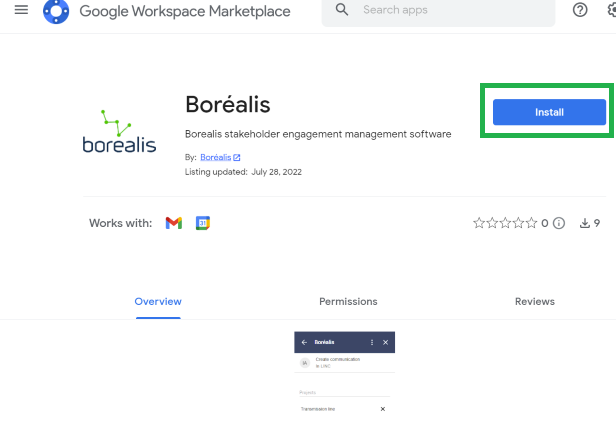
1. Click on the following link: Google. Choose "Install":
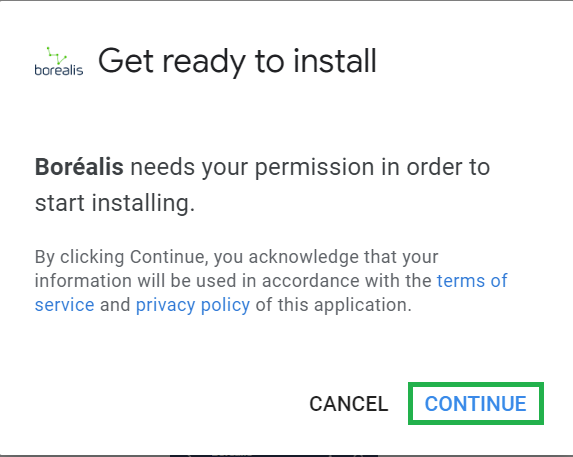
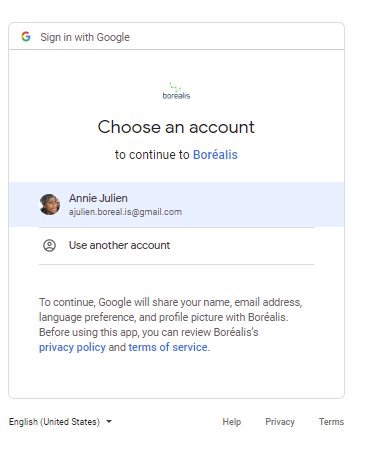
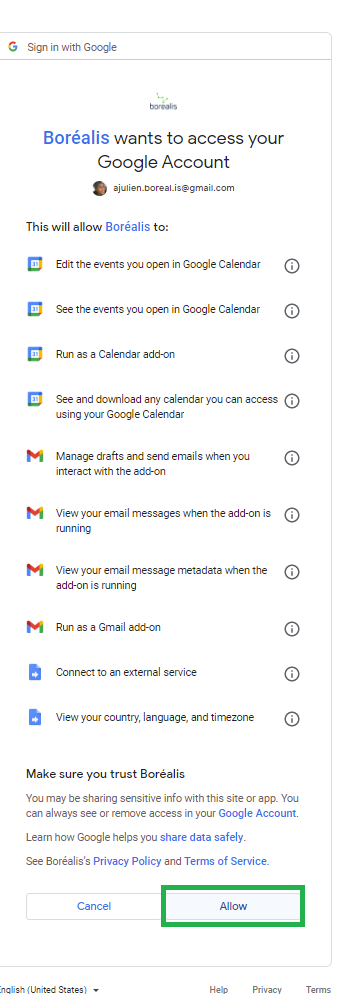
2. Log in to your Gmail account and authorize Borealis to access your account:
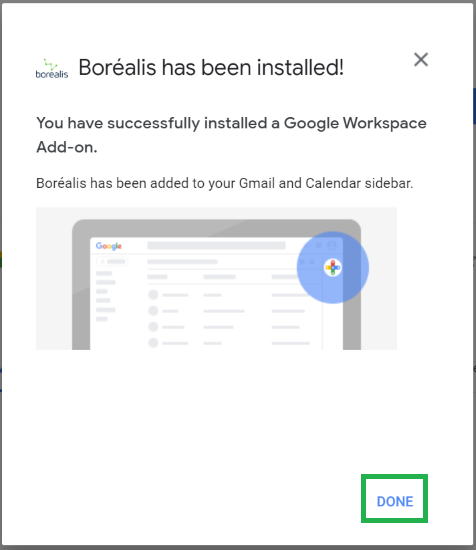
3. The Borealis add-on will have been successfully installed when you see this message:
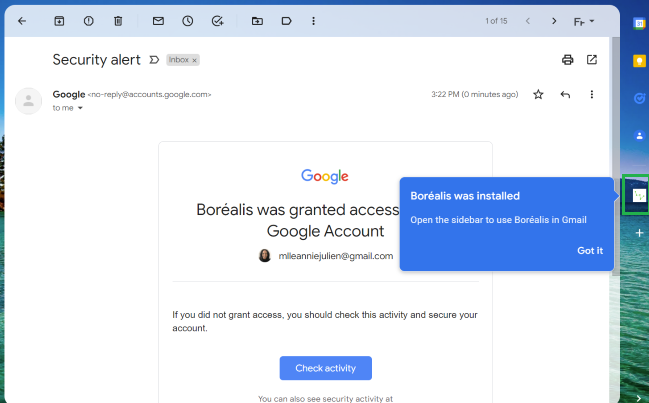
4. Refresh your Gmail mailbox page and you will notice an email confirmation and the Borealis icon on the right tab:
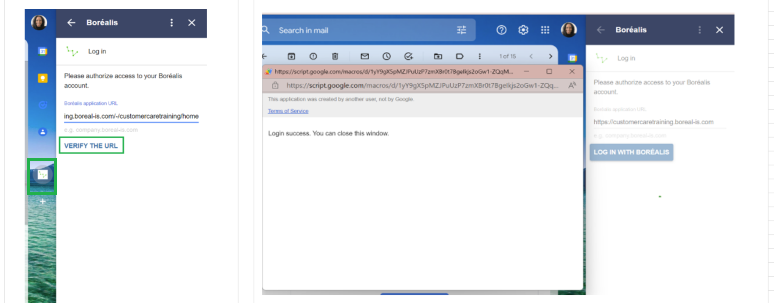
5. Enter the URL corresponding to your Borealis instance and click on "Verify the URL". Stay on the page to validate that the login is successful:
You are now able to send a communication to Borealis from your Gmail account. See the article Send a communication to Borealis from Gmail.